
15% off on product page · save $2.47
Best Diagnostic Software for All Vehicles: How to Choose

There is no single diagnostic program that works with every vehicle, so the best choice for you is software that supports the makes, model years, and systems you need to diagnose. For a household with several cars, look for broad vehicle coverage and confirm that the software can access more than generic engine codes if you also want to investigate systems such as airbags or anti-lock brakes.
Generic OBD-II software is a practical starting point for many cars and light trucks sold in the United States from the 1996 model year onward, but it may not provide the same depth of information as manufacturer-specific software. If you own an older vehicle, a heavy-duty truck, or several different brands, you may need a specialized adapter or more than one diagnostic platform.
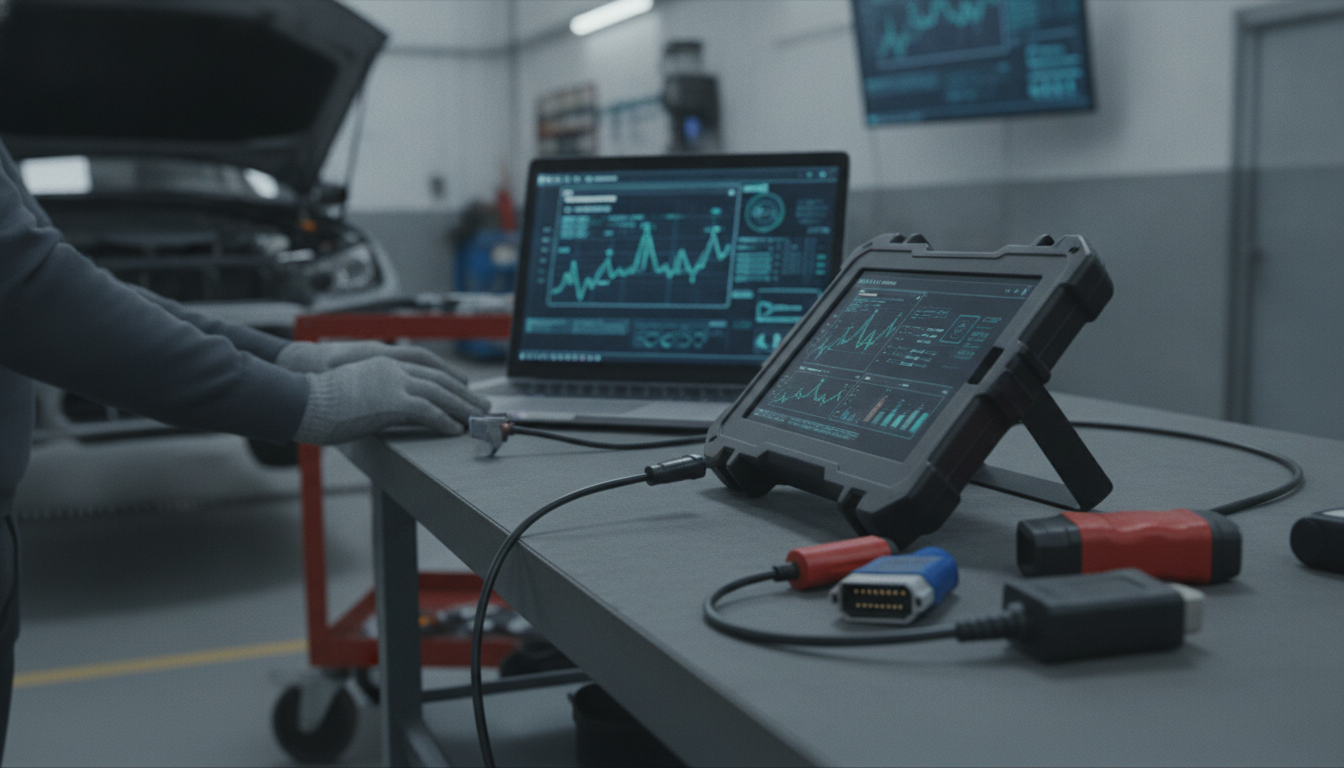
Start by making a list of each vehicle’s make, model, and year, then compare that list with the software provider’s stated coverage for the particular functions you want. A program may read a check-engine code on a vehicle without offering access to every control module, live data parameter, service reset, or advanced test.
For occasional maintenance, reading and clearing codes and viewing live data may be enough, while a repair professional may need bidirectional controls, guided tests, and broader module access. Also consider whether the program runs on your phone, tablet, or computer and whether its adapter is compatible with both the software and your vehicle.
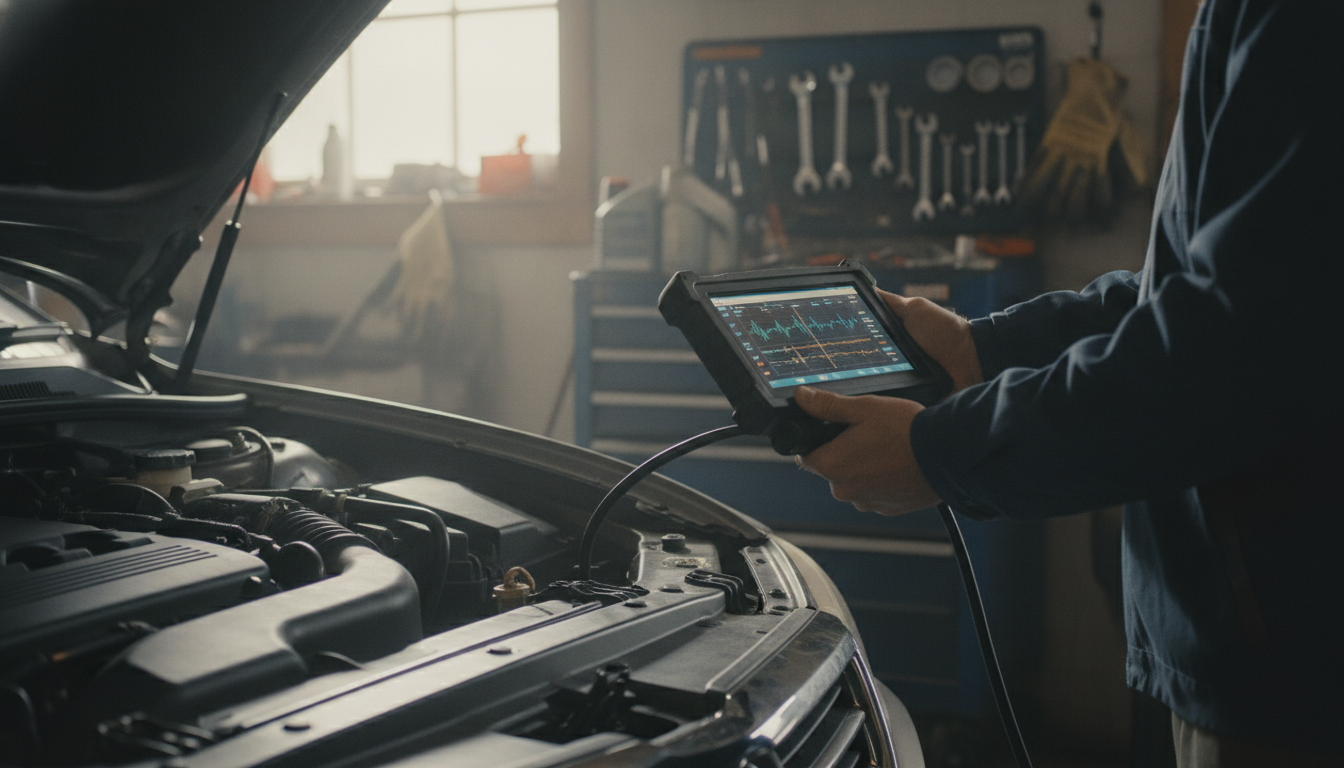
Featured in this guide
AI Car Diagnostics: Unlocking Vehicle Insights | AI Car Diagnostics eBook Guide for Smarter Maintenance, Predictive Repairs & Vehicle Health Monitoring
When a warning light appears, record the trouble codes and any symptoms before clearing anything, since that information can help you or a technician investigate the cause. A code identifies an area to examine; it does not necessarily tell you which part has failed or should be replaced.
Keep your software and vehicle coverage information current according to the provider’s instructions, and use a compatible adapter with a secure connection. If you see a serious warning, notice unsafe driving behavior, or are unsure how to interpret a result, have the vehicle inspected by a qualified technician before continuing to drive.
For the full product context, see the main Owleys guide.
No scan tool covers every car and every diagnostic function, so choose one that lists support for your vehicles and the systems you need. A multi-make tool may be convenient for several brands, while a manufacturer-focused tool may provide deeper access for a particular vehicle.




Leave a comment